BabyCam
Turn your old phone into a baby camera
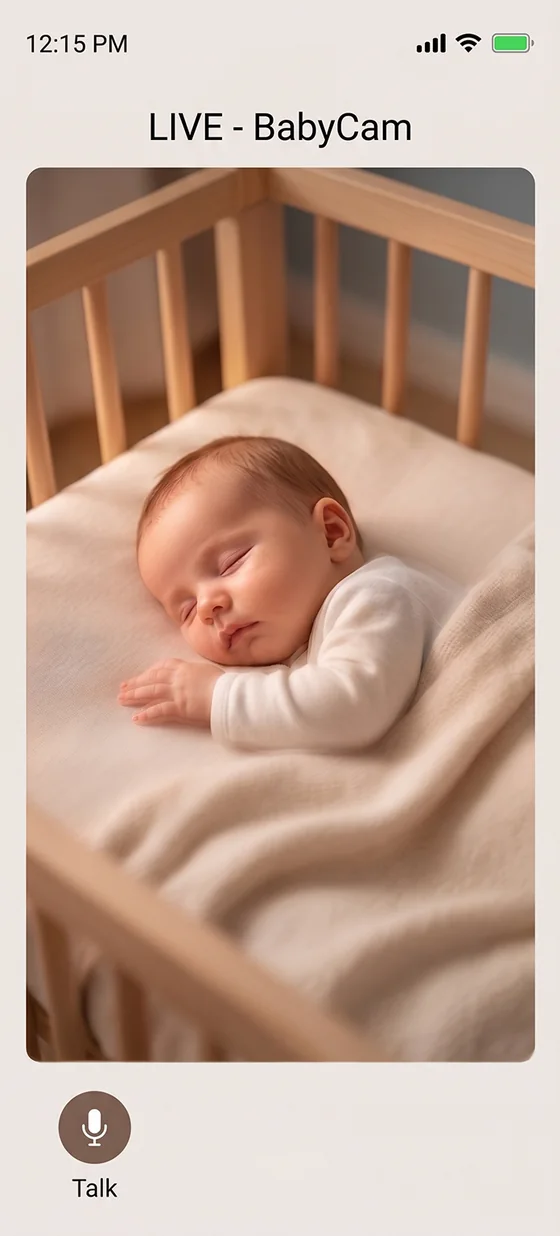
One phone becomes the camera, the other the monitor. Live video, two-way audio and remote sleep sounds on the same WiFi. No extra gadget or app needed.
Live video
Remote sleep sounds
Local network, no server
Set up in three steps
- Install Babymish on the phone that will be the camera and choose the “Camera” role when signing up.
- On your main phone, invite the camera account’s email from Profile → Parent Sharing, then accept the invite on the camera phone.
- On the camera phone tap “Start Streaming”, plug it in and place it in the room. Watch from the BabyCam tab on your main phone.
Tip: Both phones must be on the same WiFi network. The connection is made directly between devices, so video is never uploaded to a server.
What is free?
- Camera device: always free and ad-free. Nothing pops up to disturb a sleeping baby.
- Viewer (free): watch a short ad and monitor for 1 hour.
- Viewer (Premium): ad-free, no time limit.
Why no viewing over mobile data? Because video travels directly on the same local network, your privacy stays protected; that is why it only works over home WiFi.
Camera device
The streaming phone
- Pick the front or back camera; screen brightness drops automatically to save battery.
- The battery level shows on the viewer, reducing the risk of dropouts on long nights.
- Sleep sounds play from this phone; start and stop them from the viewer.
Viewer
The watching phone
- Watch the live picture; a status light shows the connection.
- Hold the microphone button to send your calming voice.
- Use the sleep-sounds panel and mixer to adjust the room’s audio remotely.
For colic and restless nights
- When crying starts, check the picture and start a sleep sound before walking to the room.
- Your calming voice, sent instantly through the mic, helps keep the routine during night wake-ups.
- Your partner can watch from their own phone, which makes sharing night shifts easier.
GET BABYMISH
Start today, your first entry takes 10 seconds.
Feeding, sleep and diaper logs in one tap. Share with your partner for free.