Step-by-Step User Guide
How to Use Bath & Care Tracking?
Use this screen to log routines like bathing, nail trimming, massage, ear and hair care regularly. Care history of the last 7 days is visible at a glance.
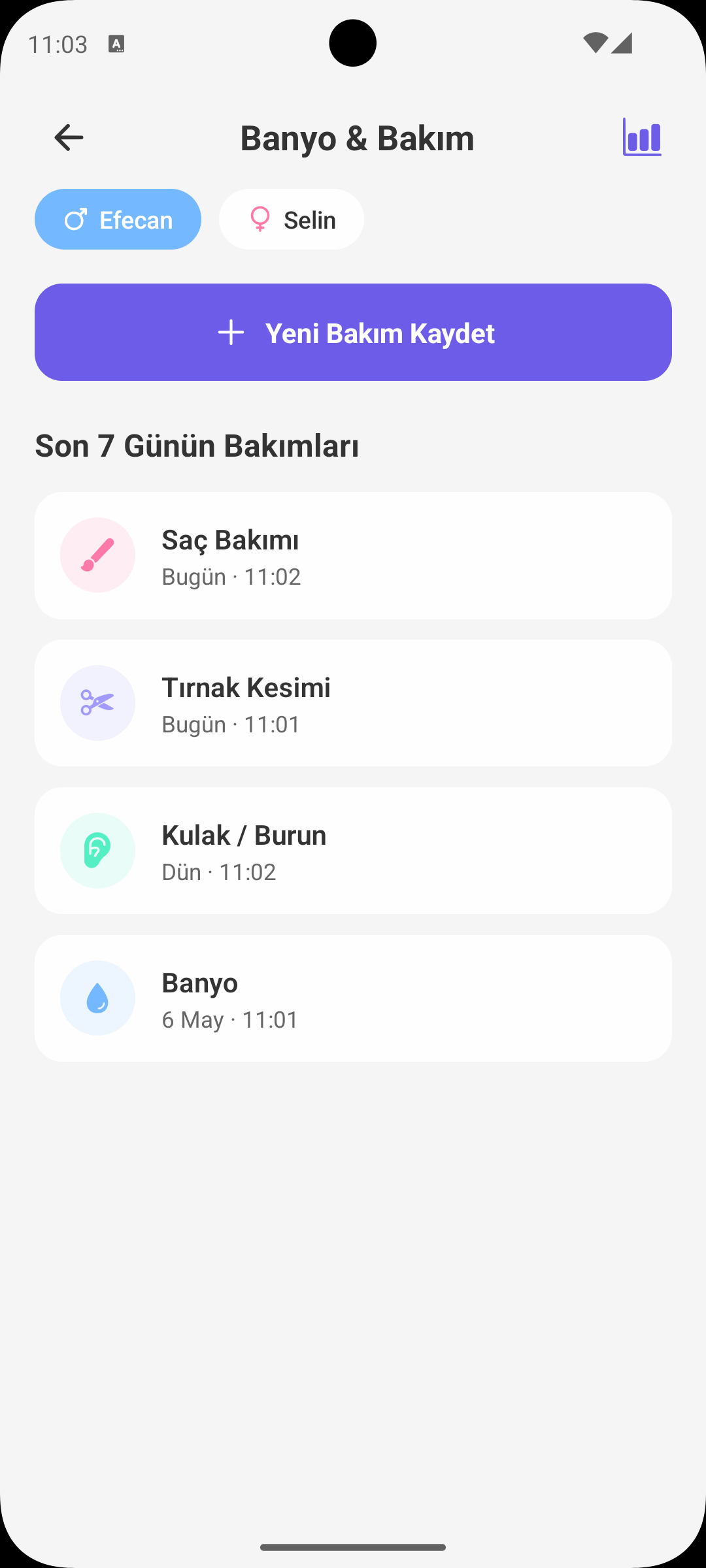
QUICK START
Adding a New Care Record
- Select the correct baby profile.
- Tap Add Care.
- Select care type: bath, nails, massage, ear or hair care.
- When you select date-time and save, record is added to the list instantly.
CARE TYPE SELECTION
Categorized Tracking
- Each care type is separated with a different icon and color.
- This lets you quickly see which care actions were done recently.
- It makes keeping care balance easier, especially in busy weeks.
DATE / TIME
Backdated Entry
- If you did not log care at that moment, you can add it later with correct date and time.
- This keeps your care history more accurate and organized.
- Analytics on report screen also become more realistic.
ADD NOTE
Short Observation Notes
- You can add optional notes to each record.
- Examples: "was restless during bath", "nails were very long", "slept quickly after massage".
- These notes help you understand baby's care responses over time.
LAST 7 DAYS
Care History
- The list shows records from the last 7 days.
- Today/yesterday labels help you track dates faster.
- It provides an ideal view to review recent routine.
RECORD MANAGEMENT
Edit and Delete
- Tapping a record opens the action menu.
- You can edit or delete incorrect entries.
- This keeps care history clean and reliable.
WHY IT HELPS
Benefits of Bath & Care Screen
- Prevents skipping care routines.
- Makes task sharing easier between parents.
- Helps you correlate baby's relaxation/sleep behavior with care types.
GET BABYMISH
Start Today
Manage baby care smartly, store every record with ease.